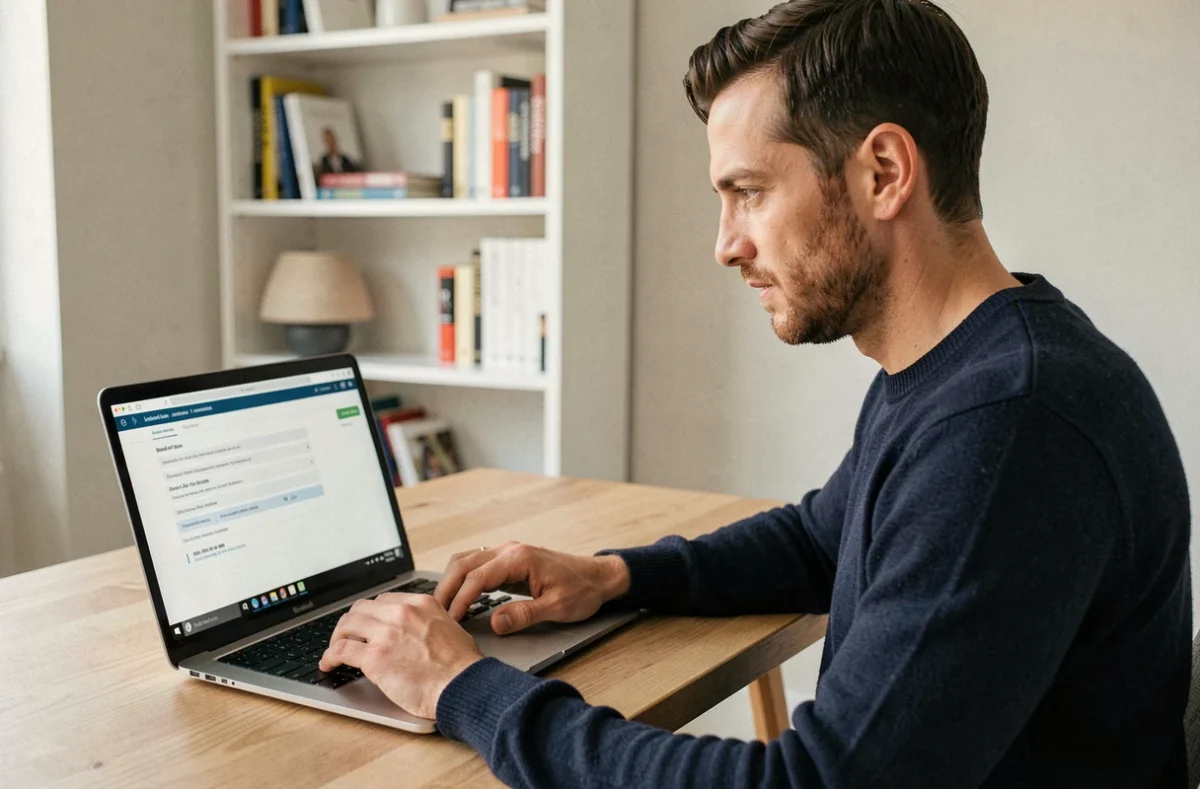
The address mafreebox.freebox.fr and the Free subscriber area (free.fr/moncompte) are two distinct interfaces that do not share the same functional scope or identifiers. Confusing the two remains the primary source of blockage when attempting to connect to Freebox OS.
Freebox OS Authentication and Subscriber Identifiers: Two Isolated Systems
The password set on mafreebox.freebox.fr during the first connection is specific to the Freebox OS local interface. It has no relation to the username/password pair of the Free subscriber area. Entering subscriber identifiers on the Freebox OS login page consistently generates an “invalid identifiers” error.
The Freebox OS password is created through the physical association procedure: the request must be validated directly on the display of the Server box. Without this hardware step, no authentication is possible. This mechanism relies on local validation, ensuring that only a person with physical access to the box can obtain administrative rights.
We recommend noting this password separately from that of the subscriber area. In case of forgetting, the reset process goes through the page mafreebox.freebox.fr/reset.php, which triggers a physical validation on the Server again. The process to access mafreebox freebox fr therefore always involves direct interaction with the hardware.
Functional Scope: Free Subscriber Area vs. Freebox OS
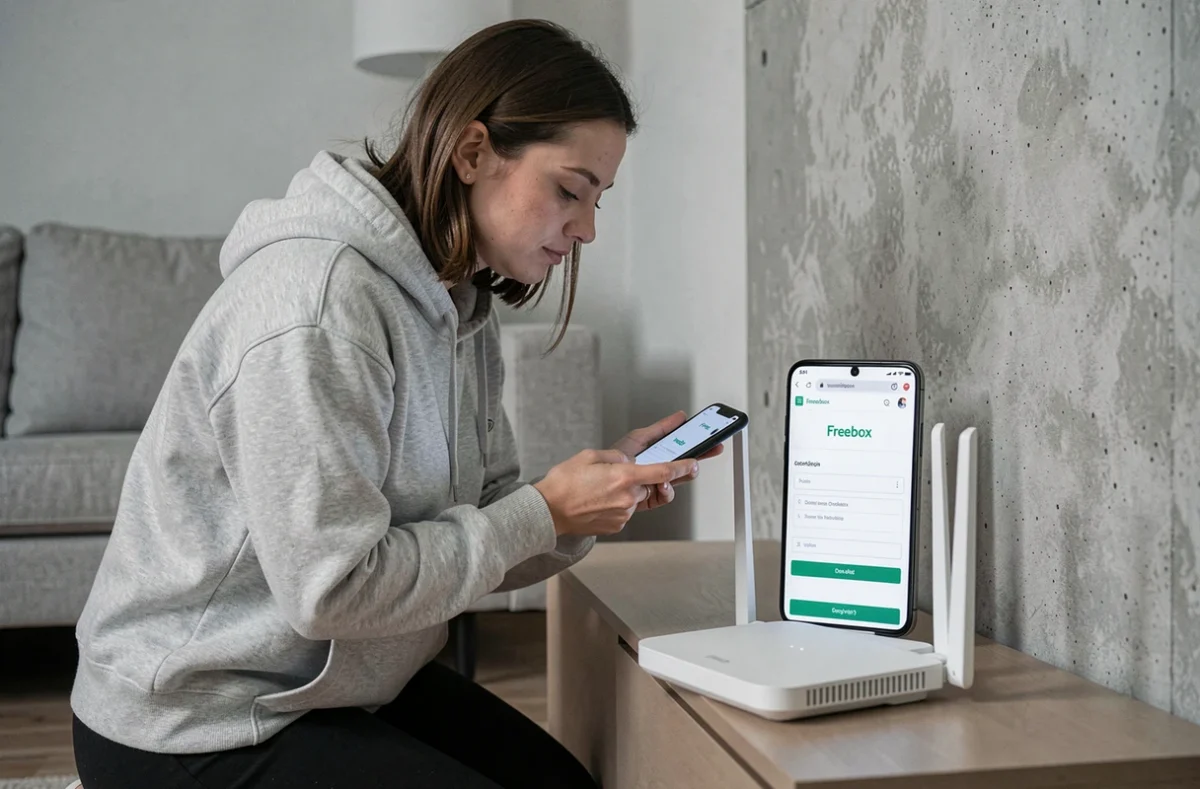
The subscriber area on free.fr manages everything related to the contract: bills, options, contact details, plan changes, order tracking. Freebox OS controls the local network and the services embedded in the box.
The distinction can be summarized as follows:
- Subscriber Area: administrative management of the offer, bill consultation, modification of personal information, activation or cancellation of subscription-related services
- Freebox OS: Wi-Fi configuration (SSID, channel, band), assignment of fixed IP addresses by MAC, port forwarding, parental control by profile, management of internal storage, status of connected devices
- The two interfaces do not synchronize automatically. A Wi-Fi setting changed in Freebox OS does not reflect in the subscriber area, and vice versa
This separation is intentional. Freebox OS operates locally on the box’s network, while the subscriber area transits through Free’s servers. The data handled is not of the same nature.
Remote Access to Freebox OS: Network Configuration Required
The address mafreebox.freebox.fr only works from a device connected to the local network of the Freebox. Attempting to access it from another network (4G, public Wi-Fi, another ISP) returns a connection error.
To control Freebox OS outside the home, remote access must be enabled in the access management settings. The procedure takes place in Freebox OS, under the Settings tab, then Access Management. The “Remote Access” option must be explicitly enabled and a password authentication mode must be set.
Once remote access is activated, the connection is made via the public IP address of the box or through the custom domain name displayed in the same settings section. We observe that many users forget this preliminary step and attempt to reach mafreebox.freebox.fr from outside without understanding why the page remains inaccessible.
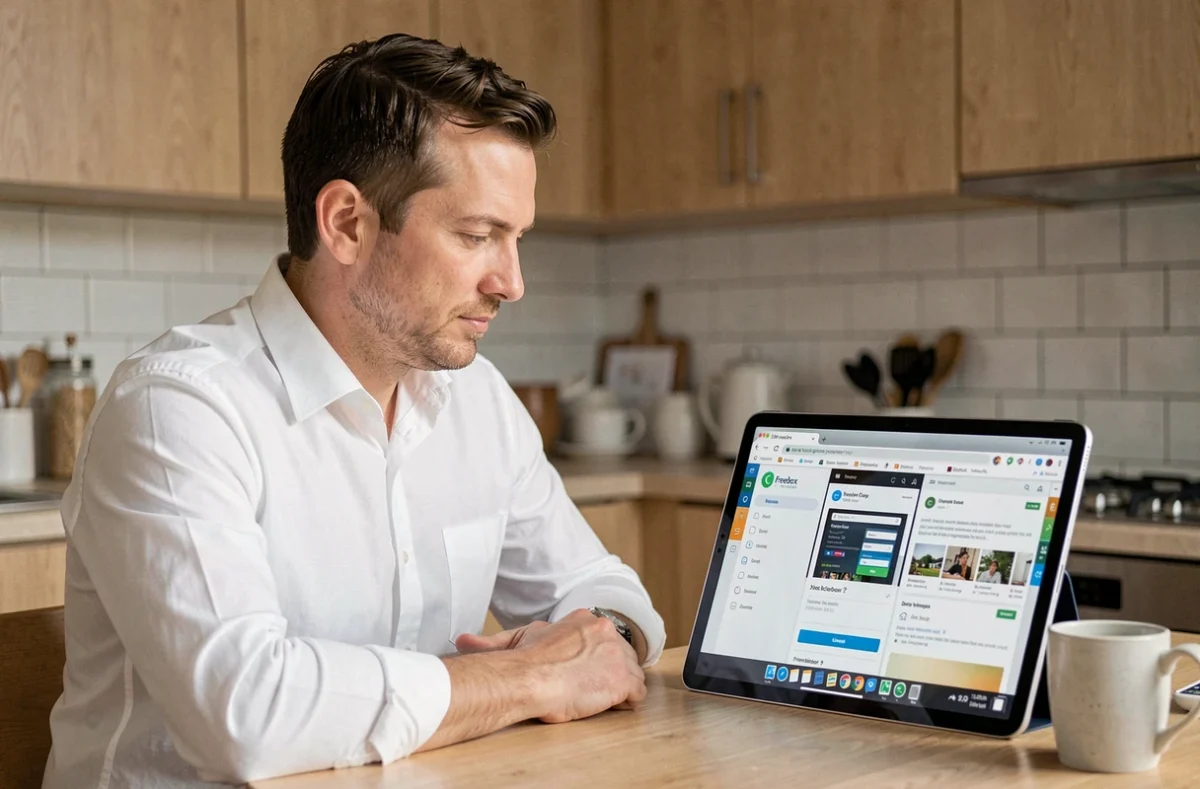
Port Forwarding and Fixed IP Assignment: The Double Configuration Trap
A classic case perfectly illustrates the separation between the two interfaces. When configuring port forwarding in Freebox OS (for example, to a NAS on ports 22 or 5000), these rules do not appear anywhere in the subscriber area. Free technical support sometimes provides contradictory answers on this point.
Port forwarding rules and static DHCP leases exist only in Freebox OS. Resetting the box to factory settings erases these configurations with no possibility of restoring them from the subscriber area. Before any reset, it is necessary to export or manually document the locally configured network settings.
The assignment of a permanent local IP address based on a MAC address is managed exclusively in Freebox OS, under the Freebox Settings section, DHCP tab. This granularity does not exist on the subscriber area side, which has no visibility on the topology of the local network.
Freebox Mobile App: A Third Access Point Not to Be Confused
The Freebox app (available on iOS and Android) now serves as an additional channel to access certain functions of Freebox OS. It allows managing Wi-Fi, viewing connected devices, or restarting the box remotely.
The app uses the same identifiers as Freebox OS, not those of the subscriber area. The association password remains the one set during the first local connection. The app does not fully replace the browser interface: some advanced settings (detailed firewall rules, VPN configuration) remain accessible only via mafreebox.freebox.fr.
Thus, three access points coexist with three distinct logics: the subscriber area for the contract, Freebox OS for the network, and the mobile app for a subset of Freebox OS on the go. Keeping this separation in mind avoids most authentication errors and configuration losses.